
字节网络
  • 用户中心
    • 登录 / 注册
  • 快速搜索
  • 技术支持
    • 提交问题
    • 查看全部问题
  • 快捷操作
    • 上个内容
    • 下个内容
    • 页面顶部
    • 用户评论
    • 页面底部
    • 目录索引
    • 使用方法
    • 效果预览
  • 首页
  • 主题
  • 插件
  • 模板
  • 脚本
  • 素材
  • 应用
    • 通知公告中心
    • 2025年11月12日 变更存储及下载方式的说明
    • 2025年7月29日 城通网盘下载说明
    • 2025年7月2日 如何安装插件的 Premium、Pro 版本
    • 2025年6月25日 版权及注意事项
    • 技术支持中心
    • 景元滨.中国
      插件 Premium、Pro 版本如何安装 景元滨.中国 - 2025年7月2日
    • 景元滨.中国
      资源版权问题 景元滨.中国 - 2025年6月25日
    • 景元滨.中国
      演示页面无法访问 景元滨.中国 - 2025年6月25日
    • 打开购物车
    • 您的购物车为空
    • 图文模式
    • 文本模式
    • 精简模式
  • 登录 / 注册
    • 没有账号注册

  • 字节网络
  • 脚本
  • TJ Gallery – 响应式自适应相册 jQuery 插件
0

TJ Gallery – 响应式自适应相册 jQuery 插件

2025年12月14日311

TJ gallery 是一个 jQuery 图片相册插件,它可以在响应式、对齐的网格布局中调整图像大小并排列不同大小,就像您在 Google 图片和 Flickr.com 上看到的那样。

使用方法

1、将图像插入 DIV 容器中

<div class="pictures">
  <img src="1.jpg" alt="" />
  <img src="2.jpg" alt="" />
  <img src="3.jpg" alt="" />
  <img src="4.jpg" alt="" />
  <img src="5.jpg" alt="" />
  ...
</div>

2、该插件还适用于 DIV 元素

<div class="pictures">
  <div class="item">
    <div class="item_description"><span>Lorem Ipsum is simply dummy text</span></div>
    <img src="1.jpg" alt="" /></div>
  <div class="item">
    <div class="item_description"><span>Lorem Ipsum is simply dummy text</span></div>
    <img src="2.jpg" alt="" /></div>
  <div class="item">
    <div class="item_description"><span>Lorem Ipsum is simply dummy text</span></div>
    <img src="3.jpg" alt="" /></div>
  <div class="item">
    <div class="item_description"><span>Lorem Ipsum is simply dummy text</span></div>
    <img src="4.jpg" alt="" /></div>
  <div class="item">
    <div class="item_description"><span>Lorem Ipsum is simply dummy text</span></div>
    <img src="5.jpg" alt="" /></div>
</div>

3、将 jQuery 库和 jQuery TJ 插件放在 html 文档的末尾

<script src="//code.jquery.com/jquery.min.js"></script>
<script src="jquery-tjgallery.min.js"></script>

4、调用顶部容器上的函数,就完成了。

$('.pictures').tjGallery();

5、指定网格行的最小高度

$('.pictures').tjGallery({
  row_min_height: 180
});

6、指定网格项之间的边距

$('.pictures').tjGallery({
  margin: 5
});

7、指定目标选择器

$('.pictures').tjGallery({
  selector:'img'
});

8、如果你想销毁插件

$('.pictures').tjGallery('clear');

效果预览
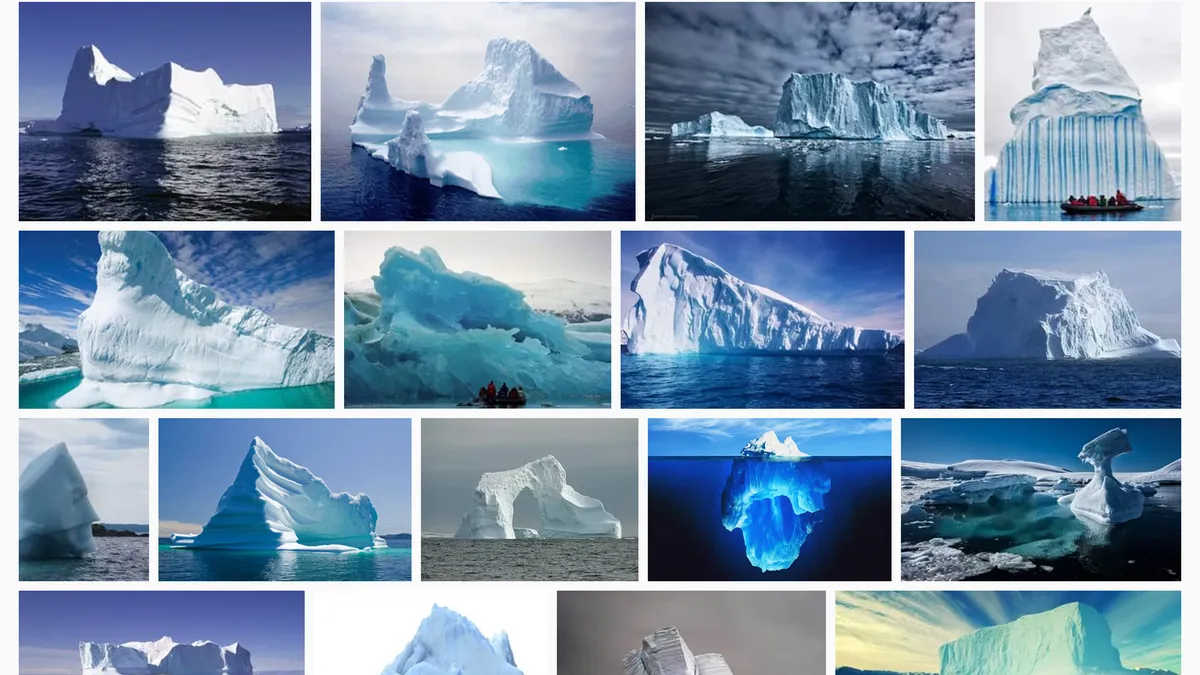
插图1|TJ Gallery – 响应式自适应相册 jQuery 插件|字节网络


初始发布:2025年8月1日

TAGS:#JQuery#展示#相册
上个内容
下个内容
缩略图
Advanced Mark – 高性能文本高亮插件
2940038
缩略图
Grid Accordion – 功能丰富的网格滑块 jQuery 插件
2950038
共 0 条评论

还没有任何评论!

发表评论 取消回复

要发表评论,您必须先登录。

TJ Gallery

文件密码:未加密

下载次数:40

最后更新:2025-08-01

演示地址
高速下载 下载地址

最新内容

缩略图
Photo Viewer – 恢复 Windows10 和 Windows11 照片查看器
2850
缩略图
WP Fastest Cache Premium – WordPress 缓存插件
4100
缩略图
WP Rocket – 最好的 WordPress 性能插件
4780
缩略图
Bopea – 报纸与杂志 WordPress 主题
680
缩略图
Embed Any Document Plus – 嵌入任意文档的 WordPress 插件
730
缩略图
Object Cache Pro – 企业级 Redis 对象缓存 WordPress 插件
2890
缩略图
Yoast SEO Premium – 最流行的 WordPress SEO 插件
4030
缩略图
Notepad++ – 免费开源的代码文本编辑器
1970

标签列表

WordPress 主题 应用 HTML 模板 新闻杂志 素材 图标 个人 WordPress 插件 SVG 企业 HTML5 系统优化 开发 JQuery SEO 多用途 电子商务 图片处理 系统 Bootstrap 缓存 单页 相册 AI 媒体 展示 功能组件 文本 页面 后台管理 页面布局 教育 Laravel Javascript WebApp PHP

关于本站

字节网络是一个建站资源网站,主要提供 WordPress 主题、WordPress 插件、HTML 模板、Js 和 JQuery 脚本、图片素材、WebApp 应用等资源的分享下载。各类资源在使用过程中如发现任何问题可以在技术支持中提出。

版权说明

本站免费资源可以转发、转载,但请注明出处,收费资源不得以任何形式对外传播。对于收集自网络的资源,原来属于收费资源的请仅用于预览测试用途,正式或商用使用请购买正版,擅自用于商业目的本站不负任何责任。

快速链接

关于我们

通知公告

技术支持

版权说明

隐私政策

业务联系

© 2025 - 紫茉莉.ME - 鲁ICP备15004261号 - 鲁公网安备37160202000224号